
Stop Being the Glue Holding Your GTM Stack Together
A free live webinar on Thursday, Oct 29: bring one GTM task you never want to do by hand again, and we will build a working AI workflow for it live.
Corey Badcock
Here’s a pattern I see with almost every team I work with.
They have a CRM. They have Slack, email, a docs tool, a few spreadsheets nobody wants to admit they rely on, and at least one AI chat tab open all day. Every tool holds part of the picture. AI helps with individual tasks: drafting an email, summarizing a call, cleaning up a list.
And yet the work still waits for a person.
Someone has to pull the notes out of the call recorder, update the deal in the CRM, ping the right channel in Slack, and draft the follow-up. AI was supposed to give that time back. Instead, most of us became the integration layer. We’re the ones carrying context from one system to the next.
That’s the problem I want to dig into with you.
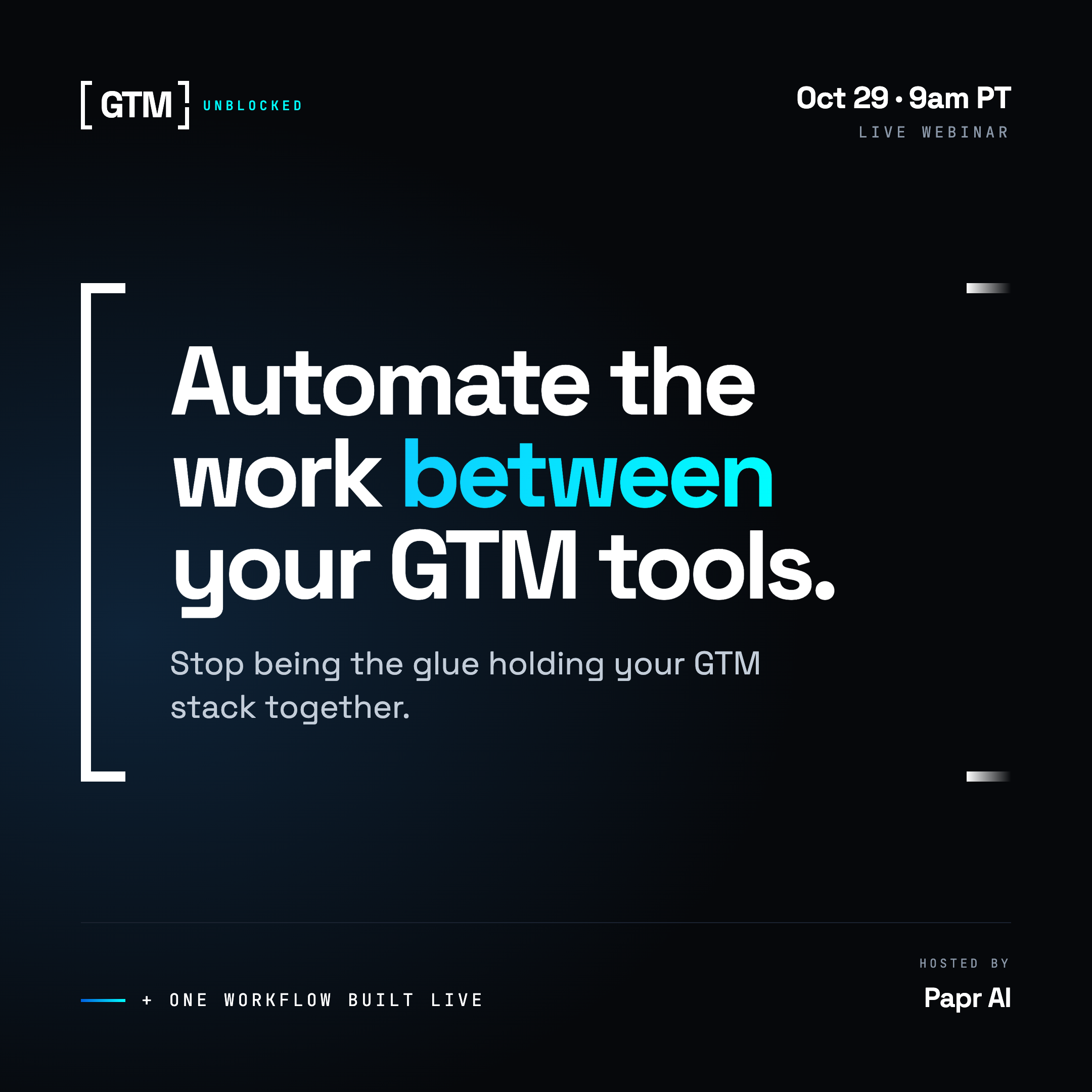
GTM Unblocked: Automate the Work Between Your GTM Tools
Thursday, October 29 · 9:00 – 9:45 AM PT · Live on Zoom
This is a practical, 45-minute session. We’ll look at how to find the work that shouldn’t depend on you anymore, and how to redesign it so your systems carry more of the load.
You’ll learn:
How to spot the best GTM processes to automate. Not every task is worth it. Some are worth a lot.
Why adding AI to individual tasks often doesn’t fix the workflow. A faster step inside a broken process is still a broken process.
How to automate work across multiple tools, not just inside one.
Where people should stay involved. Judgment, relationships, and approvals don’t go away.
How to go from a manual process to a working automation, step by step.
And we’ll build one live. We’ll take a real GTM workflow and build it end to end in Papr Work, so you can watch the whole thing come together instead of just hearing about it.
You’ll leave with a simple framework for finding your own automation opportunities.
One ask: come with one GTM task you wish you never had to do manually again. If we have time, we’ll use yours.
So what is Papr Work?
Papr Work is the tool I’ll be building in, and it’s one I use in my own practice. Here’s the short version.
Papr Work is a platform for personalizing the small software that runs your work. You describe what you need in plain language, and an AI agent builds it. What comes back isn’t a chat transcript or a to-do list. It’s a working app, with its own screens, its own database, and background jobs that run on a schedule after you close the chat.
For example, you might type: “Every morning, look at my calendar and prep me for each call: who they are, what we last discussed, what to ask.” Papr Work connects to your calendar, Gmail, and CRM, builds the brief, and puts it in front of you every weekday morning without you asking again.
A few things make it different from yet another AI tool in the stack:
It does the work between tools, not just inside one. Research, CRM updates, outreach drafts, meeting prep and follow-up, customer check-ins, and pipeline reporting can all run end to end.
It remembers. Apps keep your business context and past decisions, so they get better over time instead of starting from zero every run.
It works with the AI you already use. That includes ChatGPT, Claude, Gemini, Grok, or a local model, and you sign in with your existing account or API key.
No workflow builder, no code, no prompt engineering. You can start from community-built apps for common GTM jobs, customize them in chat, or describe something new.
It runs locally, so your data stays on your device.
For me, the shift was simple. I had ChatGPT, Notion, automation tools, and several GTM subscriptions, and I was still the one holding it all together. Now my meeting prep, notes, CRM updates, and follow-ups run through one system instead of five.
Papr Work is free to start. You’ll see exactly how it works on the 29th.
Save your spot → REGISTER NOW
See you there, and don’t forget to bring your task.
Questions
What is the webinar about?
Building a working AI workflow live in Papr Work for one GTM task attendees never want to do by hand again.
When is it?
Thursday, October 29. It is free and live.
What should I bring?
One repetitive task that moves work between your CRM, Slack, email or docs.